Plug your tools into AI.
Model Context Protocol turns any service into a tool the model can call. Connect once. Use everywhere.
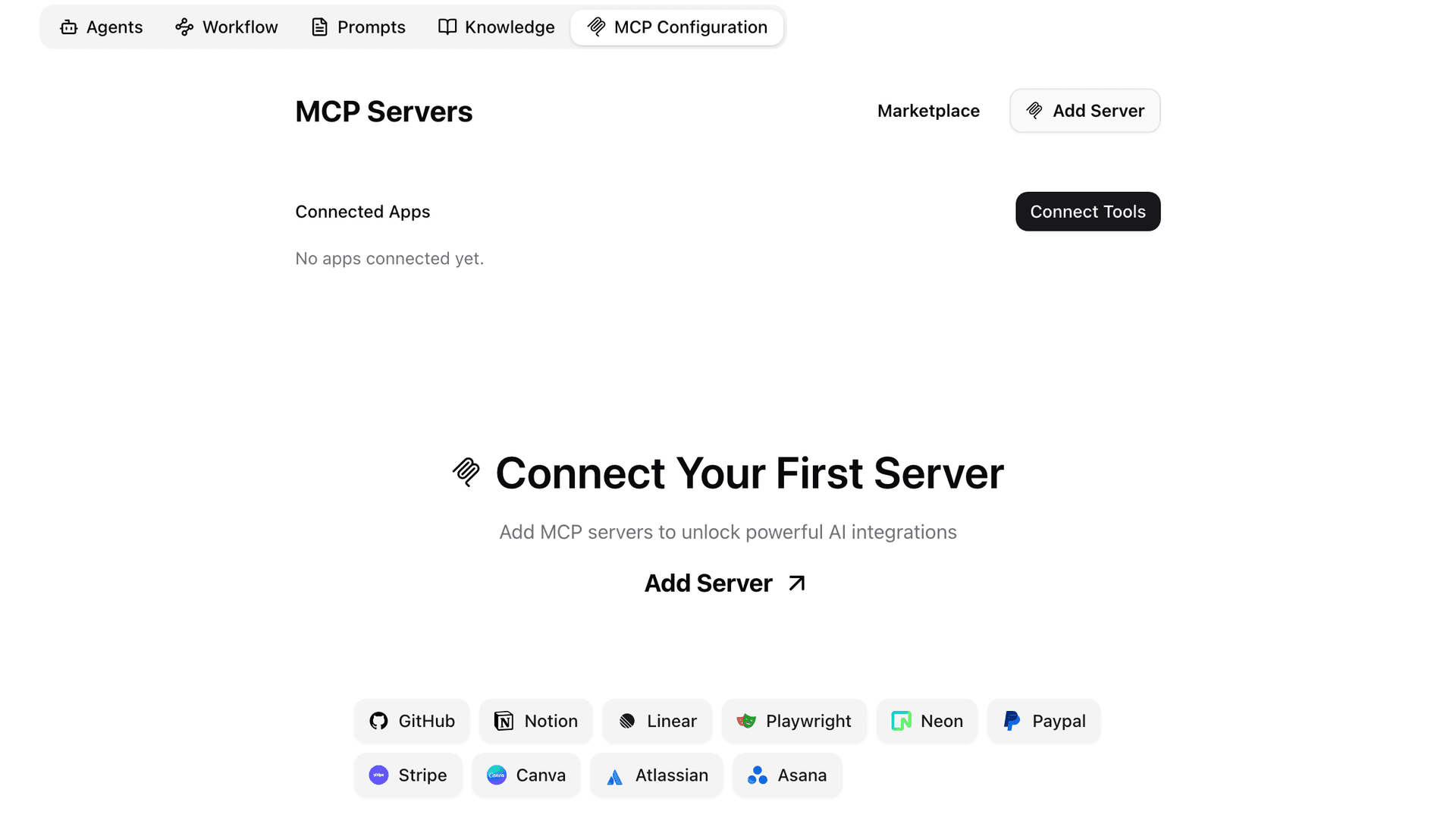
Hundreds of community servers
# Add a server in one command
$ wirebase mcp add github --transport stdio

# Or via API
$ curl -X POST https://api.wirebase.com/v1/mcp/servers \
    -H "Authorization: Bearer $WIREBASE_KEY" \
    -d '{"name": "github", "command": "npx @modelcontextprotocol/server-github"}'

# Tools auto-discover and become @-mentionable
> @github list my open PRsSpeak MCP, talk to anything.
MCP is an open standard from Anthropic that gives AI models a uniform way to call external services — from GitHub and Slack to your internal databases. Hundreds of community-built servers are already available, and both stdio and SSE transports are supported so you can connect servers running locally or over the network. OAuth flow handling is built in, so authenticated integrations work without any custom glue code.
- Open standard from Anthropic
- Hundreds of community-built servers
- Stdio and SSE transports supported
- OAuth flow handling built in
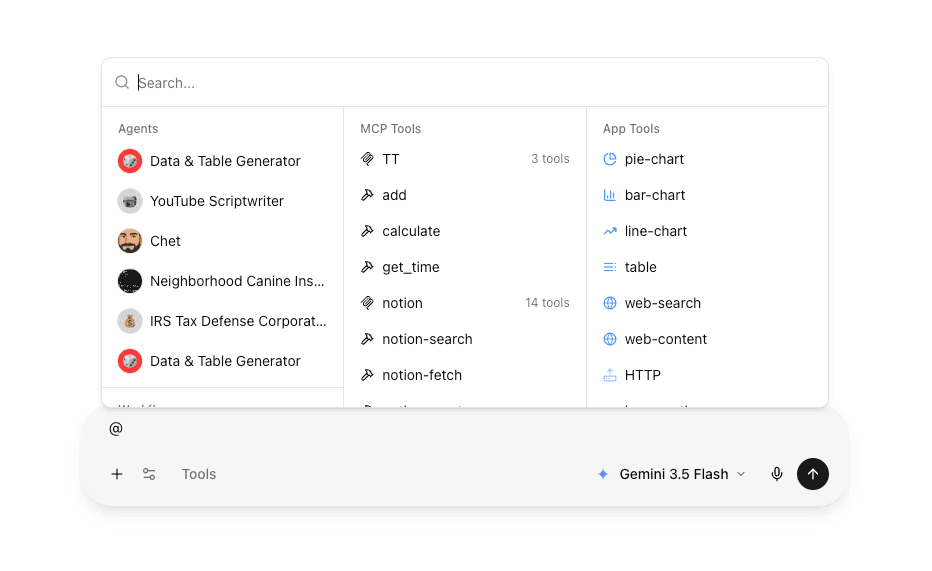
Build once. Reuse forever.
Add a server through the UI or via POST /api/mcp/server, and its tools are immediately available to every chat and agent in your organization. Write per-tool custom instructions to tell the model exactly how and when to use each capability — the same instructions apply whether the tool is called from a workflow, an agent, or a raw chat. Tools are auto-namespaced so there's no collision between servers.
- Add servers via UI or POST /api/mcp/server
- Per-tool custom instructions for the model
- Per-server scoping by org or by agent
- Tools auto-discovered and namespaced
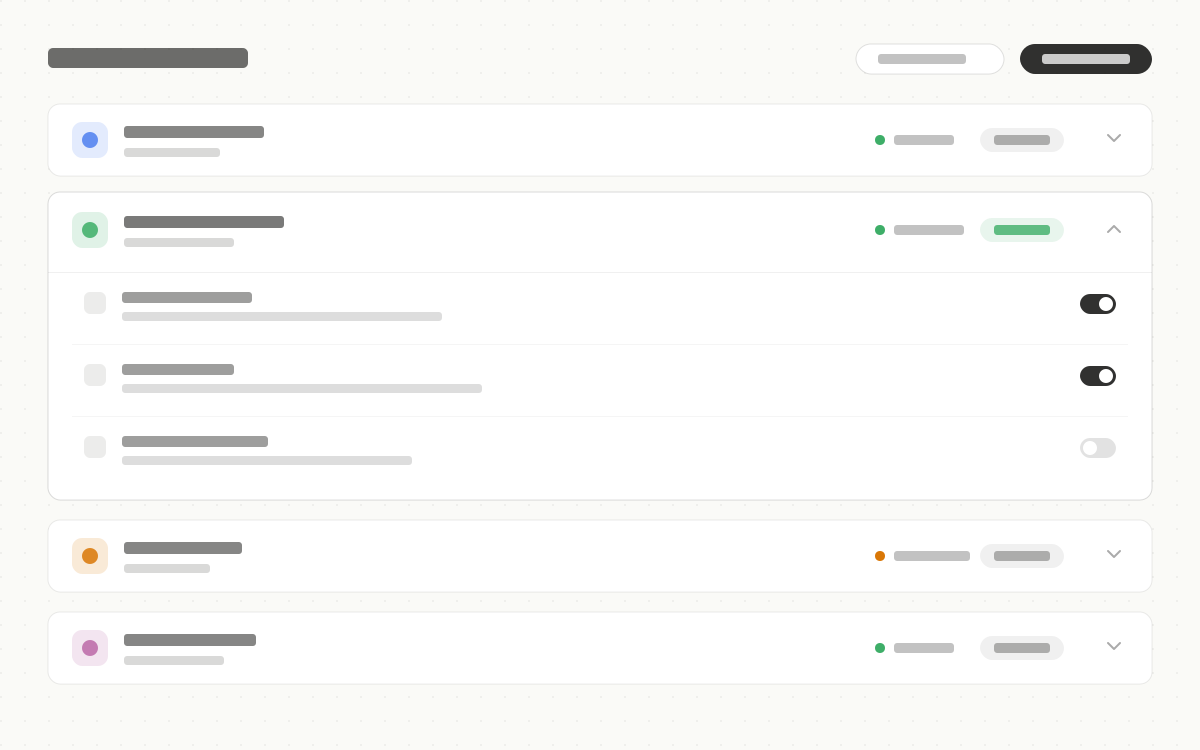
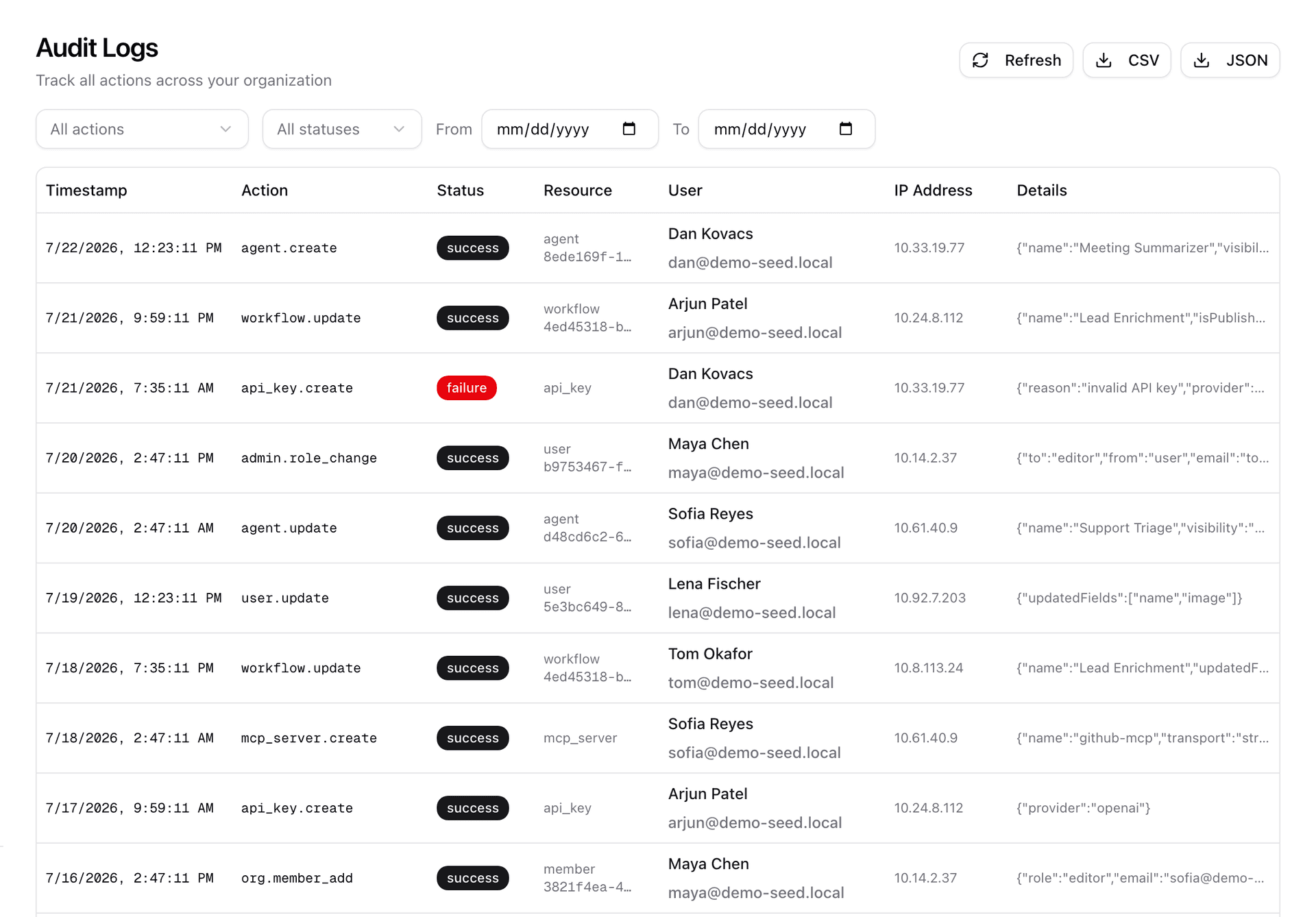
Visibility you can trust.
Every MCP tool call is rendered inline in the conversation with the arguments sent and the result returned — you always see exactly what the model did. Disable any tool per-organization from the admin panel without touching the server configuration. Each invocation is captured in the audit log so your security team has a full record.
- Every tool call rendered in the conversation
- See arguments and results inline
- Disable per-tool per-org if needed
- Audit log captures every invocation
Production-ready MCP host.
Transport agnostic
Stdio, SSE, HTTP.
OAuth ready
Token flow built in for OAuth-protected servers.
Per-org scope
Servers scoped to organizations.
Custom instructions
Per-tool and per-server hints to the model.
Audit logging
Every tool call captured.
Auto discovery
Tools appear in @-mention immediately after install.