Same prompt. Two or three models. Pick the winner.
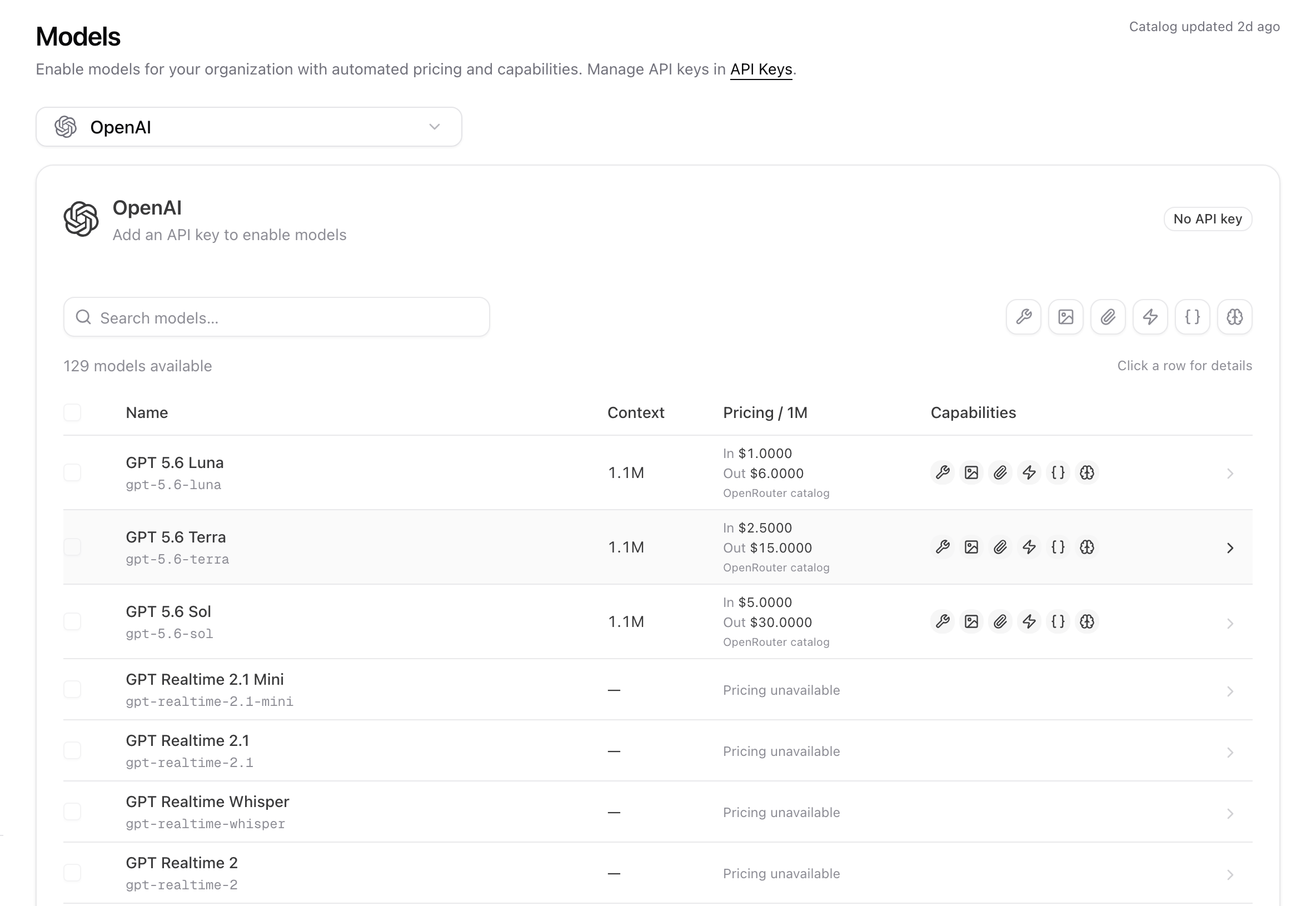
Stop guessing which model is right for the job. Compare streams answers from the models your organization has enabled next to each other, with the time and tokens each one took, and saves the one you keep as a normal chat.
# Chat composer → Compare models
# Add model ×2 or ×3, then send one prompt

> Summarize this incident report for the exec update

# Answers stream side by side, each showing
#   time to first token · total time · tokens in / out
# "Use this answer" saves it as a chat with that modelQuality, speed and cost in one view.
Models per comparison
2–3
From the models your organization has enabled.
Time to first token
TTFT
Plus total time, for every answer.
Tokens per answer
In / out
Billed to your own provider keys.
Answer kept
1
Saved as a normal chat; the rest are discarded.
Open Compare from the composer.
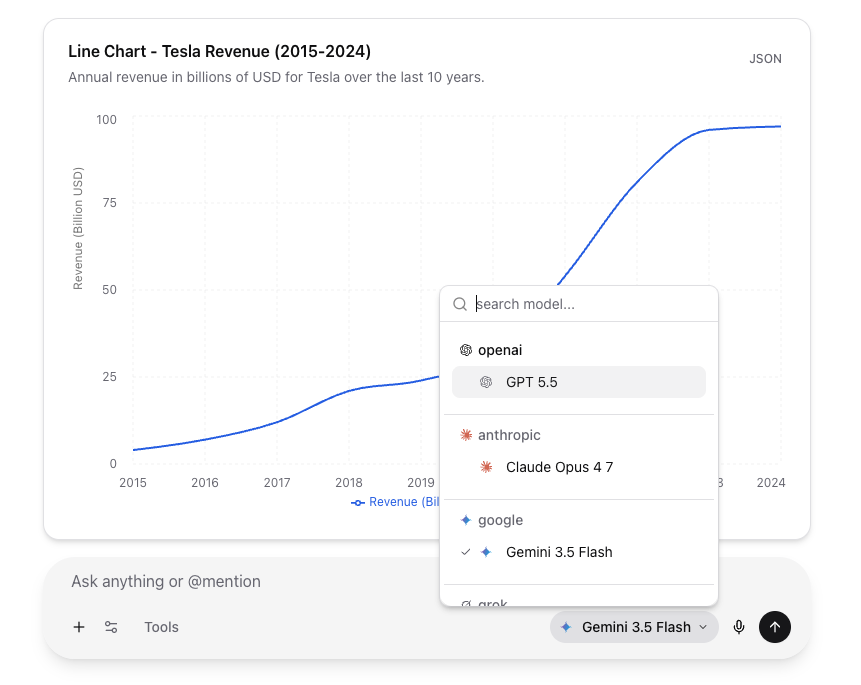
Click the compare icon next to the model selector, or go straight to /compare. Add two or three models from the ones your organization has enabled — across providers, or three versions from the same one — type your prompt and send. The answers stream in side by side as they are generated.
- Two or three models per comparison
- Any enabled models, from any providers your org has keys for
- One click from the chat composer — what you typed comes with you

See speed and cost, not just words.
Every column shows time to first token, total time, and tokens in and out, so you can weigh a longer answer against a faster or cheaper one. Each answer is a full generation on your own provider keys and counts toward usage like any chat — there is no hidden sampling or caching behind the comparison.
- Time to first token and total time per answer
- Input and output tokens per answer
- Billed to your own provider keys, counted like any chat
Use this answer.
Click Use this answer on the one you like. It is saved as a new chat with that model, with your prompt and its reply, and you carry on from there. The answers you did not keep are discarded, and a model's reasoning is never stored — only its final answer.
- The kept answer becomes a normal chat with that model
- Answers you don't keep are not saved
- Only final answers are kept, never reasoning
Built for honest evaluation.
Two or three columns
From the models your organization has enabled.
Timing and tokens
Time to first token, total time, tokens in and out.
Keep one
Use this answer saves it as a chat with that model.
Your keys
Every column is a full generation on your own provider accounts.
Text only
Tools, connectors and attachments are off while comparing.
From the composer
One click next to the model selector, or /compare.