A home for every piece of work.
A project collects the chats for one launch, client or topic and gives them shared instructions, files and knowledge. Start a chat inside it and the context is already there.

From blank page to briefed in four steps.
- 01
Create
New project in the sidebar: a name, an optional description and a color.
- 02
Brief
Write the instructions every chat in the project should follow.
- 03
Add context
Drag in files, attach knowledge bases and skill collections.
- 04
Chat
Start chats inside the project, or move existing ones in.
Set the brief once.
Write how the assistant should respond in this project — the audience, the tone, the formats — and every chat inside it follows those instructions from the first message. Drop in the documents that matter and any chat in the project can search them. Attach knowledge bases from your workspace, and skill collections the assistant should pick up here.
- Project instructions added to every chat in the project
- Files up to 100 MB each, searchable from any chat in the project
- Attach existing knowledge bases and skill collections
- A name, description and color so projects are easy to tell apart
Move chats in and out.
Start a chat from the project's own message box, or move an existing conversation in from its menu — it uses the project's instructions, files and knowledge from the next message. Take it out again just as easily. Deleting a project keeps every chat and simply moves them out; attached knowledge bases are untouched.
- Start chats inside the project
- Move to project and Remove from project from any chat's menu
- Deleting a project never deletes its chats or knowledge
Share the setup, not the conversations.
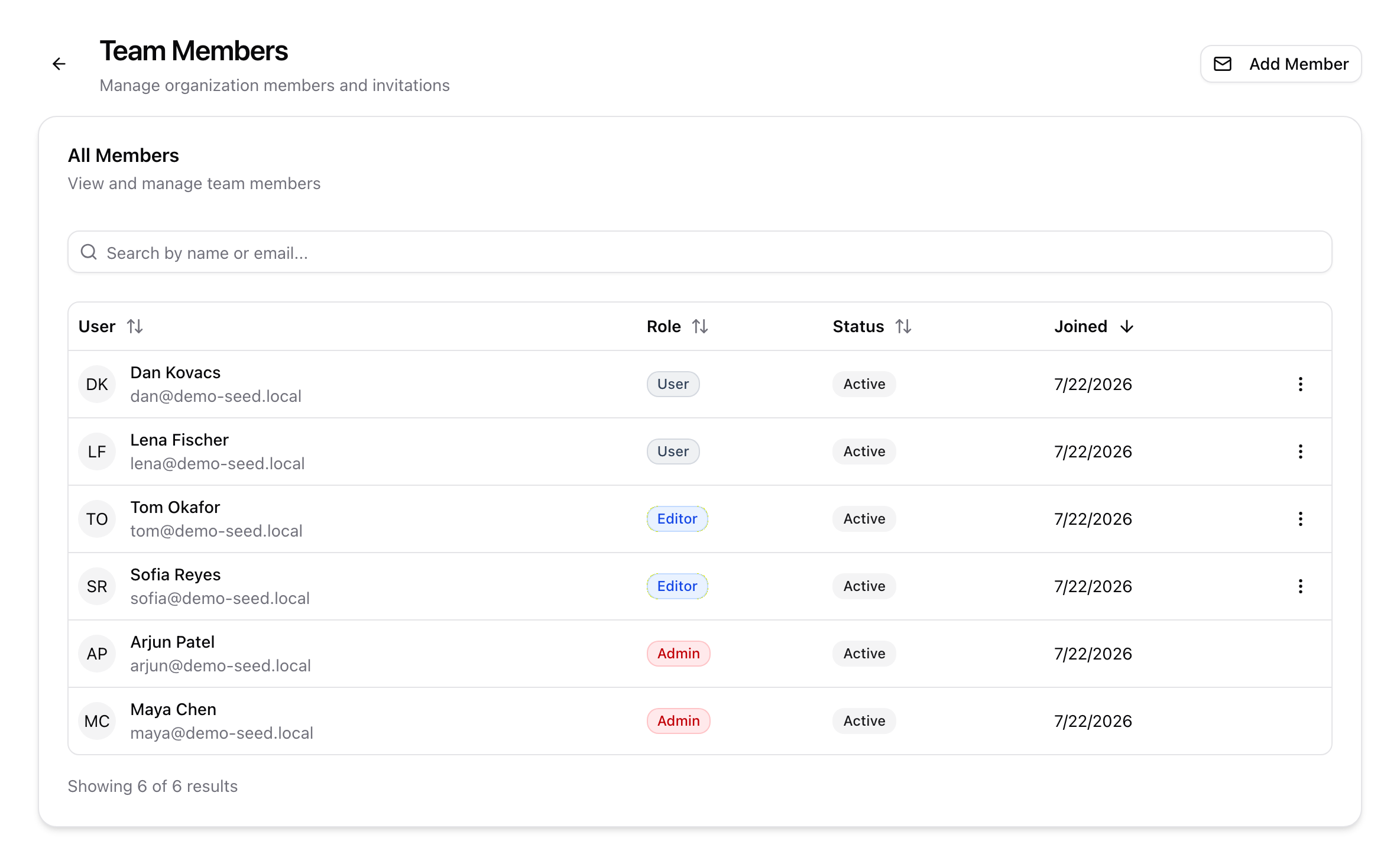
Share a project with everyone in your organization or with one team, and choose whether they can only chat in it or also edit its instructions, files and knowledge. Sharing covers the project's setup: each person's chats inside a shared project stay private to them.
- Only you, everyone in your organization, or a team
- Chat only, or chat and edit the setup
- Everyone's conversations stay their own
A product-launch project: the positioning doc and pricing sheet as files, the support knowledge base attached, and instructions that say who the audience is and which claims are off limits. Marketing, sales and support each chat inside it, with the same context and their own conversations.
Context that travels with the work.
Instructions
Added to the system prompt of every chat in the project.
Files
Searched with embeddings from your org's own provider key.
Knowledge
Attach knowledge bases from your workspace.
Skills
Attach up to 20 skill collections for every chat in the project.
Sharing
Private, organization-wide, or one team; chat or edit.
Chats stay yours
A shared project shares its setup, never your conversations.